Channel manager demo for holiday let owners UK — live walkthrough
Book a 30-minute session with a HolsUK product specialist. We’ll show Airbnb, Booking.com, Vrbo and your direct site syncing, Stripe payments and cleaner management.
Book a demo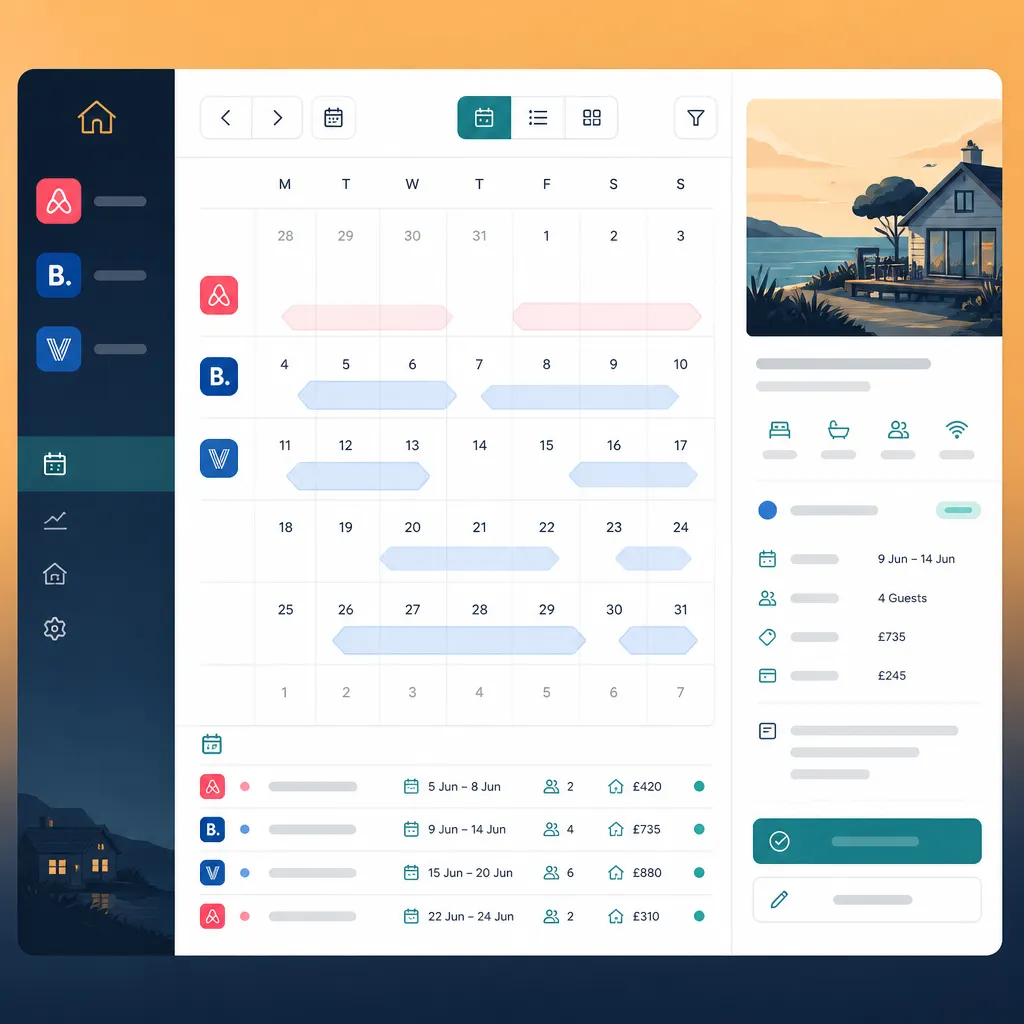
Why hosts still double-book, miss payments and lose hours
Running even a small portfolio is operationally heavy. Hosts juggling Airbnb, Booking.com and Vrbo with a separate website, plus Pitchup or Cool Camping listings, typically face three recurring issues: calendars that diverge, last-minute manual rates and messy guest communications. Picture this: you list a two-bed cottage in Cornwall at £120 a night on Airbnb and forget to mark one weekend blocked on your direct site; a Booking.com booking comes in, the calendar doesn’t block, and two bookings overlap. That’s the classic double-book — inconvenient for guests and costly for hosts when refunds, relocation or reputational damage follow. Then there’s payment and compliance. Many operators take card details by email or phone, leading to delays and reconciliation headaches. Cleaner management adds another layer: turnovers are missed because a new booking wasn’t pushed to the cleaner’s schedule, or the cleaner couldn’t confirm availability. For caravan park owners and glamping site operators running dozens of pitches or pods, a single sync delay can cascade across a weekend. You need a practical, demonstrable fix — not a theoretical list of features. A channel manager demo for holiday let owners UK should show live calendar sync across Airbnb, Booking.com, Vrbo and your direct booking engine, show how Stripe payments reconcile bookings, and how cleaner tasks are created automatically. If the demo doesn’t show your specific pain points — calendar conflicts, payment flow, cleaner notifications — it’s not worth the time.
How HolsUK fixes the day-to-day
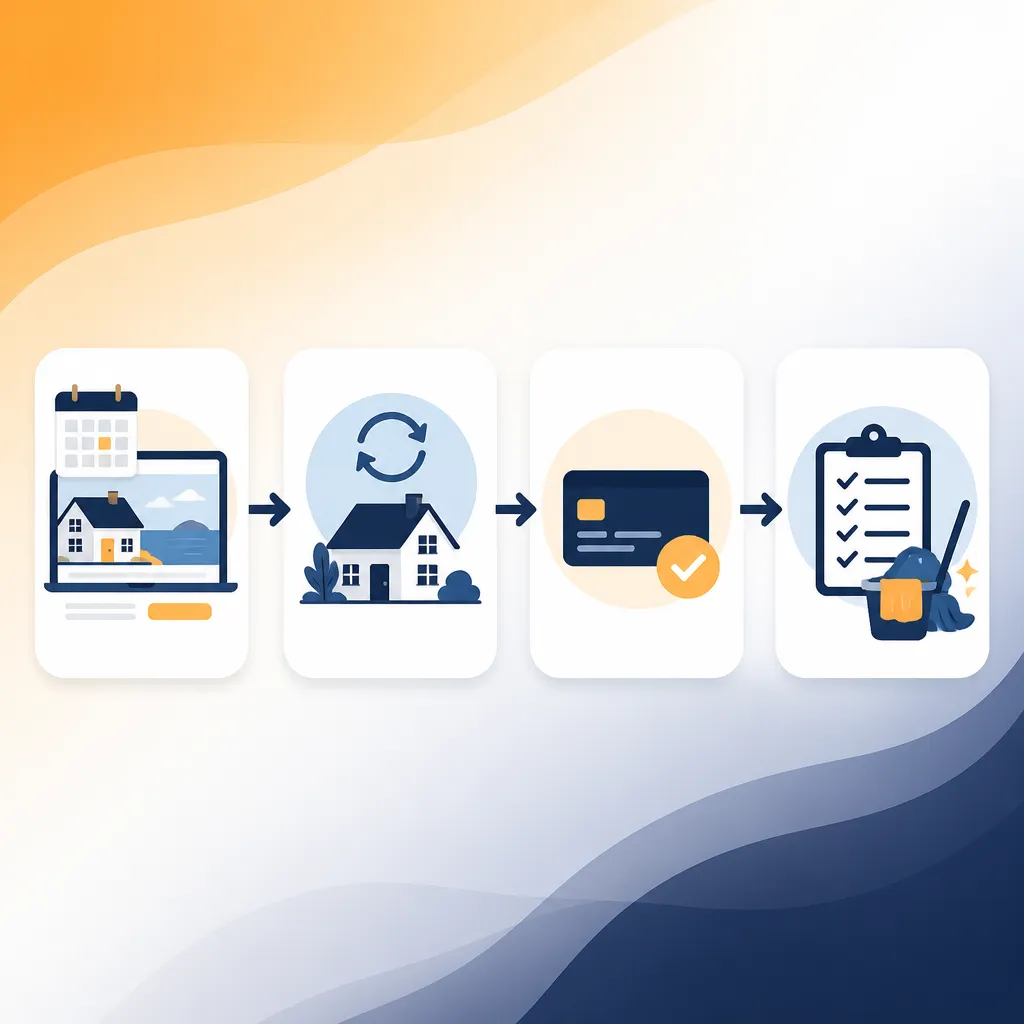
HolsUK builds the workflows hosts actually use. In a channel manager demo for holiday let owners UK we’ll connect at least one live channel (Airbnb, Booking.com or Vrbo) and your direct bookings site so you can watch calendars, rates and availability sync in real time. Our approach is practical: we show the calendar sync, then simulate a booking on a channel and demonstrate how the HolsUK calendar blocks across all channels within seconds — typically the places hosts notice most are instant calendar updates and removal of manual double-entry. We also cover payments and reconciliation. HolsUK uses Stripe for card handling so you can see an example booking’s payment flow, the payout status and how refunds or partial cancellations appear in your revenue reports. Cleaner management is included in the demo: we’ll create a turnover task, assign it to a cleaner, and show how HolsUK messages that cleaner and records completion. Guest messaging is demonstrated too — templated check-in instructions, manual replies and automated pre-arrival messages. Because HolsUK is commission-only on bookings, the demo emphasises operational savings rather than subscription math. We’ll compare current processes you use — spreadsheets, manual calendar blocking, or multiple apps — against HolsUK’s channel sync, calendar sync and direct booking workflow so you can evaluate real time and error savings for your own property mix.
Why this matters
Avoid double-bookings
Instant channel and calendar sync reduces the chance of two bookings landing on the same dates. Whether you’re managing a single Cornish cottage or a 30-pitch caravan park in Devon, a live demo will show how HolsUK blocks availability across Airbnb, Booking.com, Vrbo and your direct site when one channel records a booking.
Clear, reconciled payments
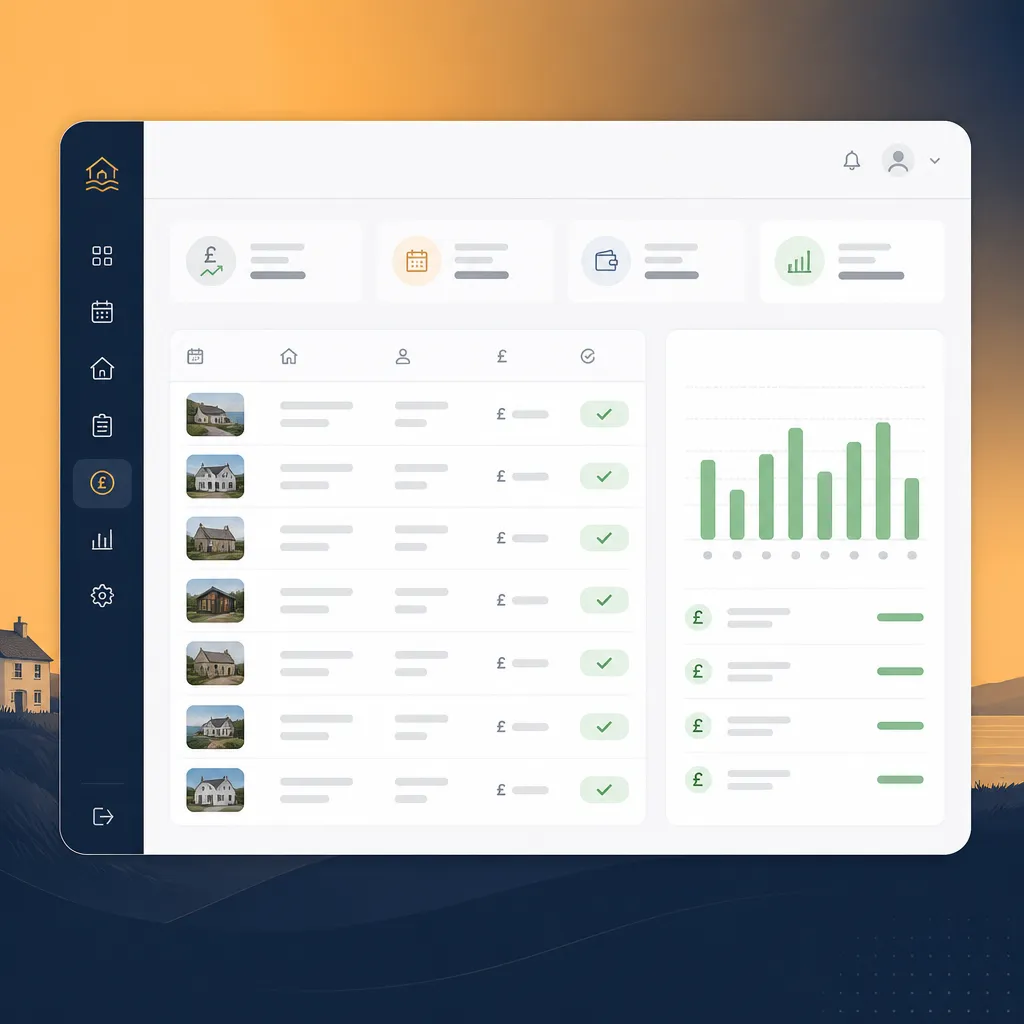
Seeing a payment go through Stripe in the demo makes reconciliation straightforward: booking -> payment -> payout. That removes the need for chasing bank transfers and reduces disputes. Many hosts find that seeing the end-to-end cash flow in a demo answers their questions about deposits, refunds and commissions.
Cleaner and turnover efficiency
HolsUK creates turnover jobs automatically when a booking finishes, assigns them to cleaners and records completion. On-site teams get only relevant tasks for the properties they cover, removing the phone-and-text chaos that often causes missed cleanings and late check-ins.
Fewer admin hours
By centralising messages, bookings and reports you'll typically cut the time spent on manual updates and reconciliation. The demo quantifies the workflows you can retire — manual calendar updates, copying booking details between channels, and juggling separate messaging apps.
What's included in the HolsUK demo (and platform)
Channel sync across major platforms
We demonstrate live syncing with Airbnb, Booking.com and Vrbo, and can show examples for Pitchup and Cool Camping where applicable. The demo will show how availability, pricing and minimum-stay rules propagate, and how HolsUK handles overlapping rules between channels.
Calendar sync and conflict resolution
Watch how a booking made on one channel blocks dates everywhere else. HolsUK flags conflicts and gives options for manual override. We’ll show typical conflict scenarios like manual holds, maintenance blocks and guest modifications so you can see decision points in the system.
Direct booking with Stripe payments
See the direct booking funnel so you can assess conversion and fee trade-offs. The demo covers Stripe card capture, refunds and how HolsUK displays payment status in revenue reports — useful if you accept bookings directly from a WordPress or hosted site.
Cleaner management and tasking
HolsUK generates turnover tasks automatically and assigns them to cleaners with their own app access. In the demo we’ll show task creation, scheduling, messaging and completion confirmation so you can judge whether your team needs separate software.
Guest messaging and templates
We’ll show templated pre-arrival, check-in and post-stay messages and how manual replies are kept with the booking history. This removes the need to copy-paste details across channels and keeps guest interactions auditable.
Who this is for
Self-managing single-property hosts
If you run one holiday cottage in the Lake District and list on Airbnb plus your own site, the demo will show how to avoid calendar overlap and take direct payments. You’ll see how to automate cleaner tasks and standard messages so you can free evenings for other work.
Multi-property managers
For managers with 10–50 units across Devon or Norfolk, the demo demonstrates bulk calendar management, consolidated revenue reporting and how HolsUK assigns turnovers by area or cleaner availability to reduce missed shifts.
Caravan parks and glamping sites
Operators with pitches or pods on a seasonal calendar can see how HolsUK handles minimum stays, pitch closures and group bookings. The demo covers pitch-level availability, group-rate rules and showing how a late booking propagates to cleaners and gates staff.
How HolsUK compares with common alternatives
Side-by-side: practical differences you’ll notice in a demo.
| Feature | HolsUK | Typical alternatives |
|---|---|---|
| Pricing model | Commission-only on bookings — you pay when you earn. No monthly fees for standard listings. | Many channel managers charge a monthly subscription regardless of occupancy or a hybrid model with per-property fees. |
| Channel coverage | Live sync examples include Airbnb, Booking.com, Vrbo and support for Pitchup and Cool Camping listings. | Some platforms focus on OTAs only or require separate connectors for niche sites like Pitchup. |
| Cleaner and task management | Built-in tasking for turnovers, can assign cleaners and track completion in the same interface shown in the demo. | Other systems often rely on third-party apps for cleaning schedules, adding integration and cost complexity. |
| Payments | Stripe payments demonstrated end-to-end with reconciliation and revenue reports. | Alternatives may use manual payment capture or bank transfers requiring extra reconciliation. |
| Direct bookings and website integration | Direct booking widget and booking engine included; demo shows the flow and how it syncs with OTA calendars. | Some managers offer only calendar sync and expect you to maintain a separate booking engine or use a costly plugin. |
Frequently asked questions
What will I see in a channel manager demo for holiday let owners UK?+
In a HolsUK demo you’ll see live calendar syncing, an example booking flow, payment capture and how turnover tasks are created. We usually start by connecting one of your channels — Airbnb, Booking.com or Vrbo — and your direct booking site if you have one. We then simulate a booking and show how the HolsUK calendar updates across all connected channels, how the booking appears in your revenue report and how Stripe handles card capture and payout status. The demo also walks through cleaner task creation and guest messaging templates. The aim is practical: you should leave the demo knowing whether HolsUK removes the manual steps you currently perform, such as copying bookings between systems, chasing cleaners or reconciling payments. If you have specific processes — bespoke cancellation terms, minimum-stay blocks for bank holidays, or multi-unit group bookings — tell us in advance and we’ll include them. Typical demos last 25–35 minutes and conclude with time for your operational questions.
How long does it take to connect my listings and go live?+
The time to connect depends on channel complexity and how many listings you have. For a single-property host connecting Airbnb and a direct site, setup can be done in a couple of hours once you provide channel credentials and bank details for Stripe. For multi-property managers or caravan parks with 20–50 units, expect initial mapping and testing to take several days — that includes matching property IDs, mapping rates and testing calendar sync. We prioritise a staged rollout: start with one or two properties, run a live booking test, confirm your cleaner workflows and then scale. In many cases you can operate critical channels in parallel during the rollout so there’s no service interruption. During the demo we’ll explain the onboarding steps and typical timelines for cases like a five-unit Cotswolds portfolio versus a 30-pitch Norfolk site.
Does HolsUK handle deposits, refunds and chargebacks?+
Yes — HolsUK demonstrates payment capture using Stripe in the demo so you can see deposits, full payments and refunds. You can configure deposit rules (fixed amount or percentage) per property. Refunds can be issued from the booking record and the system tracks payout status and adjustments in the revenue report. Chargebacks are handled via Stripe’s usual dispute process; HolsUK surfaces dispute notifications and attaches booking communications and evidence to make responses straightforward. During the demo we’ll show the booking history, payment timeline and how to issue a refund or partial refund. Note that chargeback outcomes depend on the payment provider and evidence; HolsUK helps collate the relevant information but cannot guarantee dispute results.
Can HolsUK cope with mixed inventory: cottages, glamping pods and pitches?+
Yes. HolsUK supports mixed inventory types and the demo will show how you model different unit types — cottages, glamping pods, caravan pitches — each with their own pricing, minimum stays and blackout rules. We’ll demonstrate rate plans for peak weeks (August bank holiday), how to set seasonal rules for coastal sites and how to handle long-stay or weekly-booking logic. For caravan parks we’ll show how to block a subset of pitches for maintenance or group bookings and how those blocks propagate to OTA calendars. The demo helps you validate that HolsUK maps to your specific operational setup before committing to a full rollout.
What integrations with other tools are available?+
In the demo we cover the primary integrations: channel connections (Airbnb, Booking.com, Vrbo, Pitchup) and Stripe for payments. HolsUK also provides calendar exports for accounting packages, CSV exports for bespoke reporting and can integrate with certain cleaning or maintenance apps via APIs or Zapier where needed. If you use a property management system, channel manager or accounting tool already, tell us before the demo and we’ll show what can be connected or where manual exports are needed. We focus on reducing tool sprawl: the platform aims to replace the apps that create the most manual work (calendar spreadsheets, payment reconciliation spreadsheets, and multiple messaging apps).
How secure is guest and payment data?+
HolsUK relies on Stripe for card processing, so card data is handled by Stripe’s PCI-compliant infrastructure. We store only the booking metadata and authorised tokens necessary to manage refunds and payout reconciliation. Access controls let you restrict team members to specific properties or functions — for example, cleaners only see assigned tasks while managers see revenue and payouts. During the demo we’ll outline roles and permissions and show the audit trail for bookings, messages and task completions. If you have GDPR-related concerns, we can detail data-retention settings and how to export or delete guest data in line with privacy requirements.
See it with your own listings
Book a hands-on channel manager demo for holiday let owners UK and we’ll use one of your properties in the session. You’ll leave with actionable next steps for onboarding and a clear timeline.
Book a demo