The Best Way to Manage Booking.com and Direct Bookings Together
Unify your Booking.com calendar with your direct booking website and all other channels. See all your reservations in one place, updated in real time.
See How HolsUK Works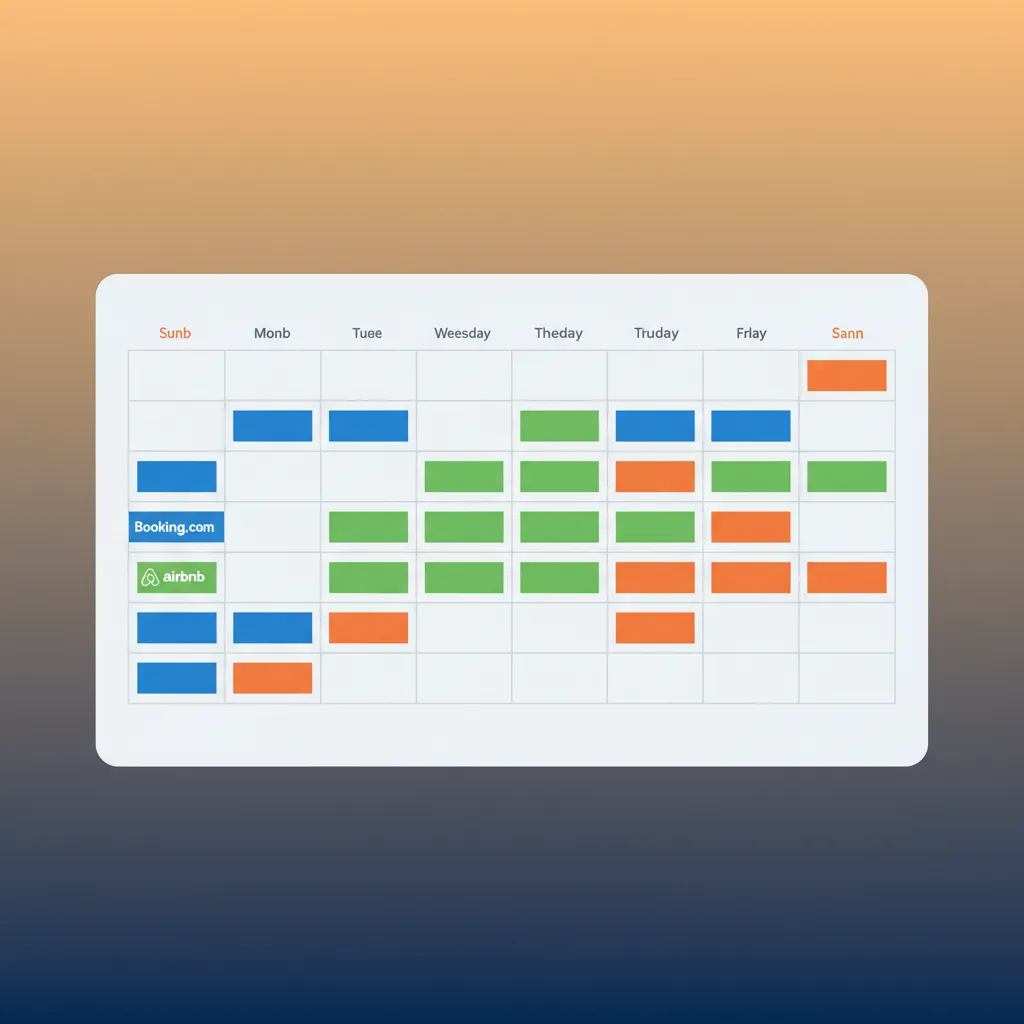
The Constant Stress of Juggling Calendars
If you take bookings from Booking.com and also directly, you know the routine. A new booking confirmation pings from the Booking.com Pulse app. You stop what you're doing, log in to your own website's admin panel, and manually block out the dates. Then you do the same for your iCal link to Airbnb. Or perhaps a potential guest rings you up to book your cottage in the Cotswolds for a week in August. You take the booking, but before you can update your calendars, a Booking.com reservation comes through for the same dates. This is the moment every host dreads: the double booking. It means an apology, a cancellation, a potential financial penalty, and a negative mark on your Booking.com record that can harm your visibility. Many hosts try to solve this with iCal feeds, but they are notoriously slow, often updating only every few hours. In the fast-moving world of online bookings, a few hours is an eternity. This constant, low-level anxiety and manual administration work is exhausting. It takes time away from improving your guest experience or marketing your property, and forces you to live in fear of a simple, costly mistake.
A Single Calendar for Total Control
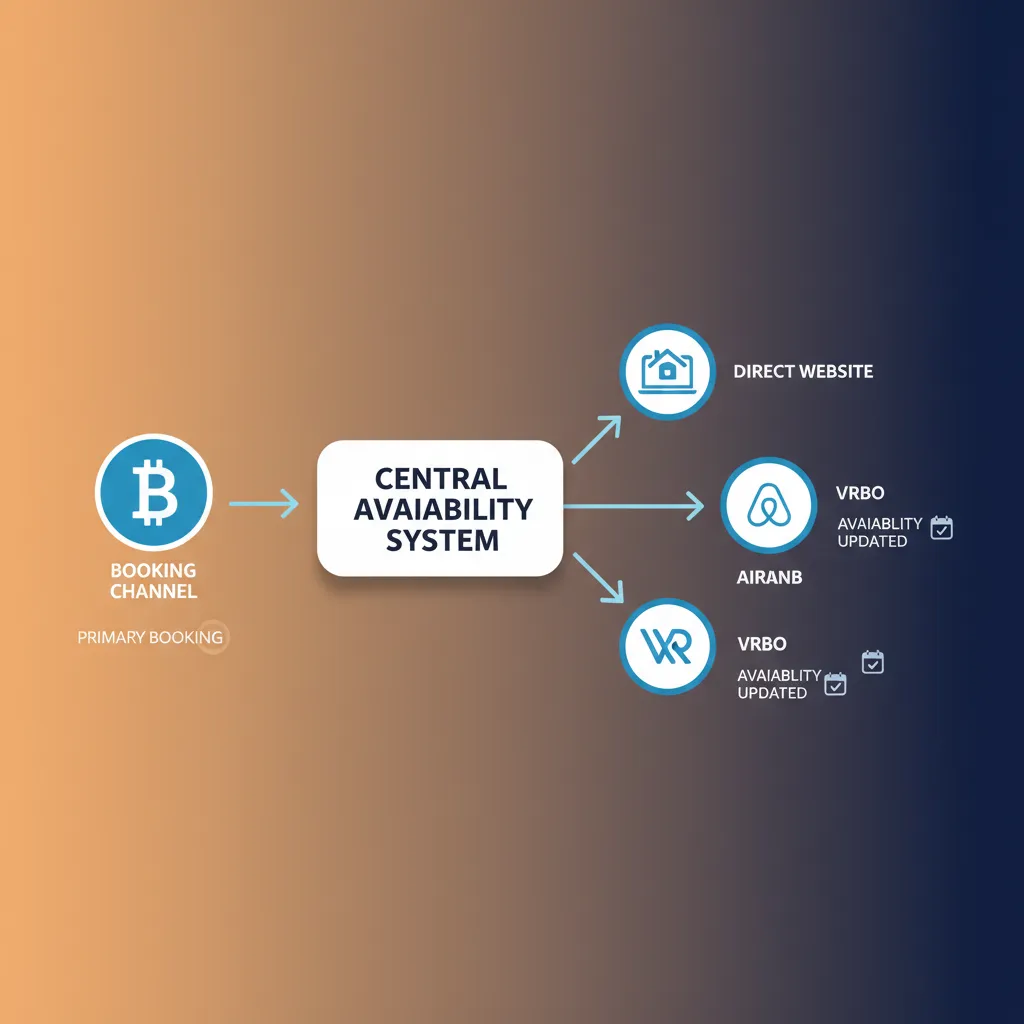
The solution is a single, central calendar that acts as the 'source of truth' for your availability everywhere. This is the core of what a property management platform like HolsUK provides. Instead of relying on fragile, slow iCal links, we use a direct, two-way API integration with Booking.com. Think of an API as a secure, super-fast data pipe directly between our system and theirs. When a booking is made on Booking.com, the details are sent to your HolsUK calendar instantly. Our system then immediately blocks those dates not just on your HolsUK calendar, but also on your direct booking website, your Airbnb listing, your Vrbo page, and any other channel you have connected. The process is automatic and takes seconds, not hours. This is genuinely the best way to manage Booking.com and direct bookings together because it removes human error and delay from the equation. It transforms your booking management from a reactive, stressful task into a fully automated, reliable system. This gives you the confidence to promote all your channels, knowing that your availability is always 100% accurate, everywhere. You're no longer just preventing problems; you're building a more robust and profitable letting business.
Why A Unified System Matters
Eliminate Double Bookings for Good
A double booking is more than an inconvenience; it's a blow to your reputation and your wallet. Cancelling on a guest creates a terrible first impression and often leads to penalties from channels like Booking.com. With real-time API synchronisation, the moment a date is booked on any channel, it's instantly blocked on all others. This simple change removes the single biggest point of stress for multi-channel hosts, giving you complete peace of mind, especially during peak booking seasons.
Increase Your Direct, Commission-Free Revenue
Many hosts are hesitant to heavily promote their direct booking website because they fear it will cause calendar clashes. By automating your availability, you can confidently market your direct channel. You can offer slightly better rates to guests, rewarding them for booking direct while you save on hefty OTA commissions. A reliable system is the foundation for a successful direct booking strategy, turning your website from a simple brochure into a powerful, revenue-generating tool that you fully control.
Reclaim Hours of Weekly Admin
Calculate the time you spend each week logging into multiple systems, cross-checking dates, and manually updating calendars. It adds up quickly. A unified platform gives you that time back. Instead of performing data entry, you can focus on tasks that actually grow your business, like optimising your listings, communicating with guests, or improving your property. It's about working on your business, not just in it. This efficiency gain is one of the most immediate benefits our hosts notice.
Implement a Smarter Pricing Strategy
Managing different prices for Booking.com, Airbnb, and your direct site can be a nightmare. A central system allows you to set rules and markups from one dashboard. You can, for example, set your Booking.com rate to be 15% higher than your direct rate automatically to account for commission. You can apply seasonal price increases or last-minute discounts across all channels with a few clicks, ensuring your pricing is always optimised and consistent without endless manual adjustments.
Protect and Improve Your OTA Performance
Online travel agencies like Booking.com use algorithms that reward reliable hosts. Frequent cancellations due to double bookings can lower your ranking, making your property less visible in search results. By maintaining a perfectly synchronised calendar, you reduce your cancellation rate to near zero. This signals to the platform that you are a dependable host, which can positively influence your search placement and lead to more bookings over time. Good operational practices are good for marketing.
What's Included in the HolsUK Platform
Two-Way API Channel Sync
This is the engine of the whole system. We use robust, official API connections to Booking.com, Airbnb, Vrbo and more. Unlike one-way iCal feeds, this two-way sync pushes availability, rates, and booking details back and forth in near real-time. It means your calendar is always accurate, and you can manage everything from one place. This is the professional standard for property management and the only way to reliably prevent overbookings across multiple high-volume channels.
Centralised Multi-Channel Calendar
See your entire business at a glance. Our calendar displays all bookings from every source, colour-coded for easy identification. You can see reservations from Booking.com, your direct website, Airbnb, and even manually entered phone bookings, all in one unified view. Click on any booking to see guest details, payment status, and conversation history. It’s your command centre, designed for clarity and control, whether you manage one property or one hundred.
Commission-Free Direct Booking Engine
Stop paying commissions on every booking. HolsUK provides you with a simple, clean, and effective direct booking website. It integrates seamlessly with your central calendar and our payment system. Guests can check availability, get a price, and book and pay securely in minutes. We take no commission on these direct bookings. You only pay the standard Stripe processing fee, meaning more of the revenue stays in your pocket. It's the essential tool for building your own brand.
Unified Guest Inbox
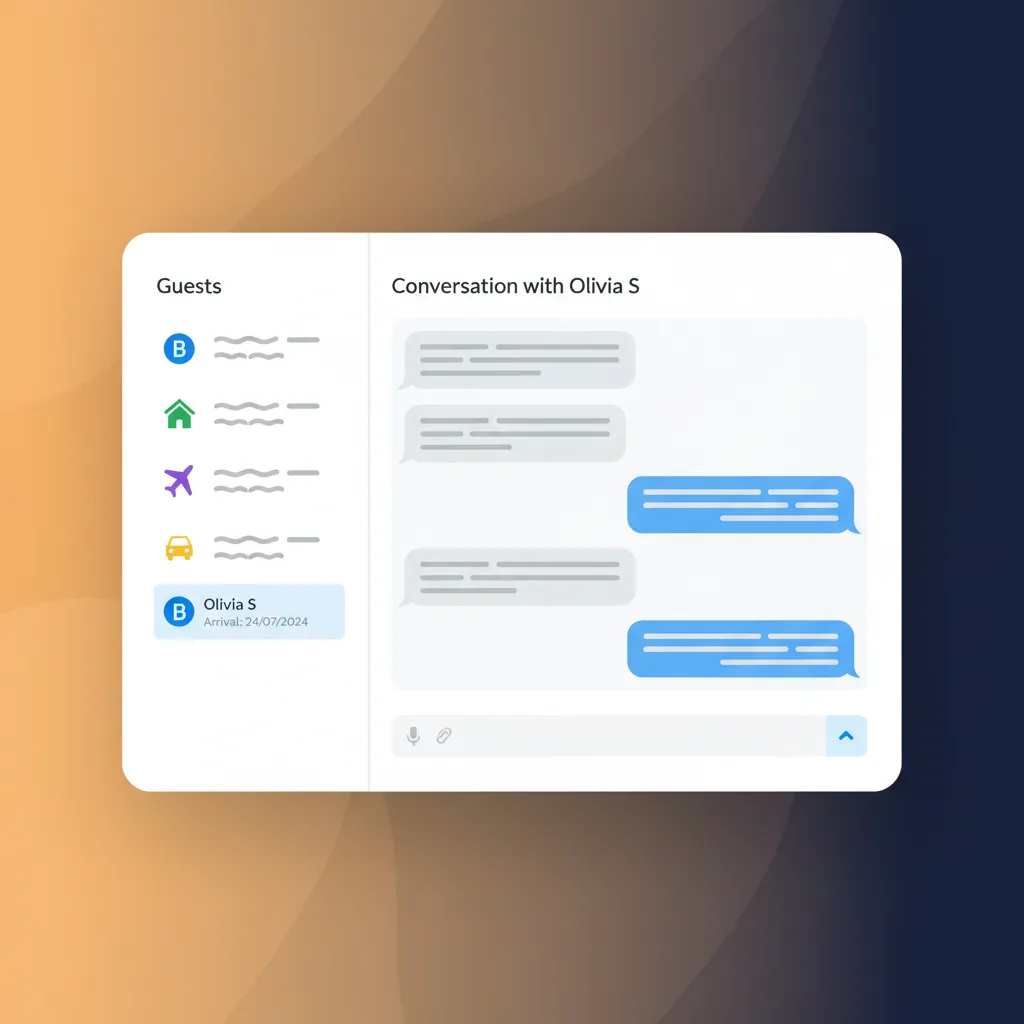
No more logging into the Booking.com extranet, your email, and Airbnb to manage guest messages. Our unified inbox brings all conversations into one thread per guest. You can create and save message templates for common queries, and set up automated messages for booking confirmations, check-in instructions, and post-stay reviews. It streamlines communication, ensures faster response times, and provides a professional experience for your guests, regardless of where they booked.
Integrated Stripe Payments
Take direct booking payments securely and professionally without the hassle of setting up complex merchant accounts. HolsUK integrates directly with Stripe, a global leader in online payments. When a guest books on your direct site, their payment is processed securely, and the funds are sent to your connected bank account. It’s simple, transparent, and gives guests the confidence to book, knowing their financial details are safe. It also simplifies your accounting and cash flow management.
Cleaner and Team Management
Efficiently manage your changeovers without endless phone calls and text messages. You can grant your cleaning team limited access to a dedicated calendar view that shows them upcoming departures and arrivals. The system can be configured to automatically notify your cleaner when a new booking is made, providing them with the dates and property details they need. This automation reduces the risk of missed cleanings and helps your entire operation run more smoothly, especially with last-minute bookings.
Who This Is For
The Single Cottage Owner in Devon
You own a lovely holiday cottage and get good results from Booking.com, but the 15%+ commission stings. You want to encourage more guests to book direct. HolsUK gives you a simple direct booking website and syncs it perfectly with your Booking.com listing. You can now confidently print 'Book Direct and Save' on your guest welcome pack and offer a slightly lower price on your own site, knowing you'll never get a double booking. The system pays for itself through commission savings.
The Manager of 5 Apartments in Edinburgh
You manage several properties for different owners in a busy city centre. Manually updating five calendars across Booking.com and Airbnb during the Fringe Festival would be impossible and incredibly risky. A channel manager is essential. HolsUK provides a single dashboard to oversee all properties, their pricing, and their guest communications. The unified inbox alone saves you hours, as you no longer have to switch between five different Booking.com extranet accounts to answer guest questions.
The Peak District Glamping Site Operator
You have ten identical shepherd's huts listed on Booking.com, Pitchup, and your own website. Managing inventory is your biggest challenge. HolsUK allows you to pool your availability. When a hut is booked on any channel, the system simply reduces the total number of available huts by one for that date, across all channels. This maximises your occupancy without the risk of selling the same 'last available hut' twice. It's the correct way to manage grouped or multi-unit inventory.
The Cornish Holiday Park Manager
Your park has a mix of accommodation: a few high-end lodges listed on Booking.com, several static caravans that are only booked direct via phone, and a touring field managed via Pitchup. HolsUK is flexible enough to handle this mix. You connect your lodges via the API, manually block out the phone bookings for the caravans in the central calendar (which updates everywhere), and link Pitchup. It brings your whole, diverse operation into one manageable system for the first time.
How HolsUK Compares to a Manual Approach
Choosing a management system is about trading a collection of manual tasks and disjointed tools for a single, automated platform. Here’s how HolsUK stacks up against the common 'DIY' method of using iCal and spreadsheets.
| Feature | HolsUK | Typical alternatives |
|---|---|---|
| Calendar Sync Method | Real-time, two-way API sync ensures availability is updated across all channels in seconds. | Manual updates or slow, unreliable iCal syncs that can take hours to update, creating a high risk of clashes. |
| Double Booking Risk | Virtually eliminated. The system is designed specifically to prevent this costly and reputation-damaging error. | Extremely high. It's a matter of 'when', not 'if', especially during peak season or with last-minute bookings. |
| Pricing Control | Set rates, rules, and channel-specific markups from a single dashboard. Update all channels with one click. | Logging in to each platform individually to change prices. Prone to errors and incredibly time-consuming. |
| Direct Booking Tools | An integrated, commission-free direct booking website and secure payment processing are included. | Requires sourcing, building, and paying for a separate website, booking engine, and payment gateway. |
| Guest Communication | A unified inbox for all guest messages from all channels, complete with time-saving automation tools. | Constantly switching between the Booking.com extranet, Airbnb inbox, personal email, and WhatsApp. |
| Reporting & Analytics | Consolidated reports showing occupancy, revenue, and performance by channel, giving a true business overview. | Manually downloading reports from each OTA and trying to combine them in a spreadsheet for analysis. |
| Cost Structure | Simple commission-only model on confirmed bookings. No setup fees, no monthly subscriptions. | No subscription fees, but high hidden costs in terms of lost time, missed revenue, and expensive mistakes. |
Frequently Asked Questions
What's the real difference between iCal sync and API integration with Booking.com?+
The difference is fundamental. An iCal feed is a simple, one-way link to a file that just shows 'busy' or 'free'. It's slow, often updating only every few hours, and carries no rich information like pricing or booking details. It's a blunt instrument. A two-way API integration, which HolsUK uses, is a direct, real-time conversation between our system and Booking.com's. It syncs availability in seconds and also pulls in guest details, booking modifications, and cancellations automatically. It also allows us to push rates and availability rules *to* Booking.com from our platform. An API is a professional, robust solution designed for commerce; iCal is a basic calendar-sharing tool not built for the demands of managing a holiday let business.
Can I still set different prices on Booking.com versus my direct website?+
Yes, absolutely. This is a key function of our platform. You establish a 'base rate' for your property in HolsUK. Then, you can create 'rate rules' for each channel. For Booking.com, you might set a rule to add a 15% markup to your base rate to cover their commission. For your direct booking website, you can use the base rate as is, or even apply a small discount to incentivise direct bookings. This is all managed from one central rates calendar. When you update a base price for a weekend, the channel-specific prices update automatically. This allows you to maintain a sophisticated, profitable pricing strategy without the manual effort and risk of errors that come with adjusting prices on each site individually.
How does HolsUK handle a cancellation from Booking.com?+
Seamlessly. When a guest cancels their reservation on Booking.com, the API connection instantly informs your HolsUK calendar. Our system automatically removes the cancelled booking and, crucially, re-opens those dates for booking again. This availability is then immediately pushed out to all your connected channels, including your direct website, Airbnb, Vrbo, etc. You don't have to do anything. This automation is vital, as it ensures a cancelled room is put back on the market right away, maximising its chance of being re-booked. It prevents you from losing potential revenue because you didn't manually update your calendars in time. It's another example of how automation removes risk and protects your income, handling the admin so you don't have to.
Will I lose my existing Booking.com listing and reviews if I switch?+
No, you will not. This is a common and important concern. You are not 'switching' away from Booking.com or creating a new listing. Instead, you are connecting your *existing* Booking.com listing to the HolsUK platform. Your property ID, your photos, your description, and most importantly, all of your hard-earned guest reviews and ranking score remain exactly as they are. HolsUK simply becomes the central tool you use to manage that listing's calendar and rates, alongside your other channels. The process involves authorising HolsUK as a 'connectivity provider' within your Booking.com extranet. It's a standard procedure that connects our software to your listing without disrupting its history or performance on the platform.
Is it difficult to set up the connection with Booking.com?+
No, the process is straightforward and we guide you through it. It typically involves three main steps. First, you log in to your Booking.com extranet and select HolsUK as your channel manager from their list of approved providers. This generates a connection request. Second, our team accepts the request and helps you 'map' your HolsUK property to the corresponding Booking.com listing. This tells the system which calendars to link together. Finally, we initiate the sync to pull in your existing bookings and push out your current rates and availability. Our UK-based support team is on hand to walk you through every step. Most hosts are fully connected and synchronised within a short time, with no technical expertise required.
My 'direct bookings' are just people phoning me. How does this system help?+
This is a very common scenario and HolsUK handles it perfectly. The platform is designed to be your single source of truth, encompassing all bookings, not just online ones. When you receive a booking over the phone or via email, you simply add it manually to your HolsUK central calendar. You can enter the guest's name, dates, and the price agreed. The moment you save this manual booking, the system automatically blocks those dates on your Booking.com listing, your Airbnb calendar, your direct website, and everywhere else. This prevents an online booking from clashing with your offline one. Over time, you'll also find that our included direct booking website will convert many of those phone-callers into self-service online bookers, saving you even more time.
Ready to Unify Your Bookings?
Stop wasting time juggling calendars and worrying about costly double bookings. HolsUK provides the tools to automate your availability, increase direct revenue, and manage your entire operation from one simple dashboard. See for yourself how a unified system can transform your holiday let business. There are no monthly fees and no upfront costs; we only succeed when you do. Get started today and see how it works.
See HolsUK in Action